
Best Practices for Presenters & Keynote Speakers
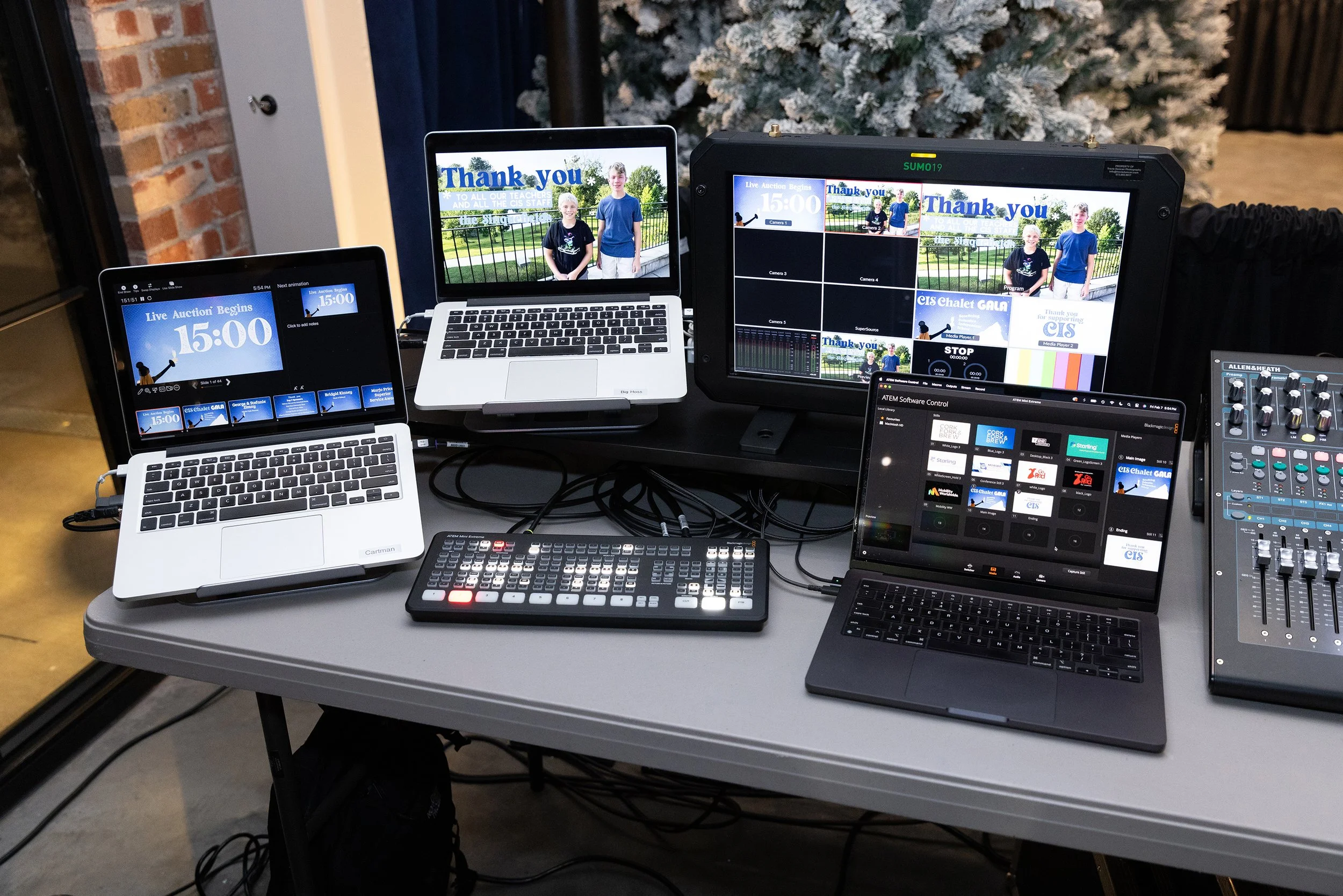
Lessons Learned After Supporting Hundreds of Conference Presentations
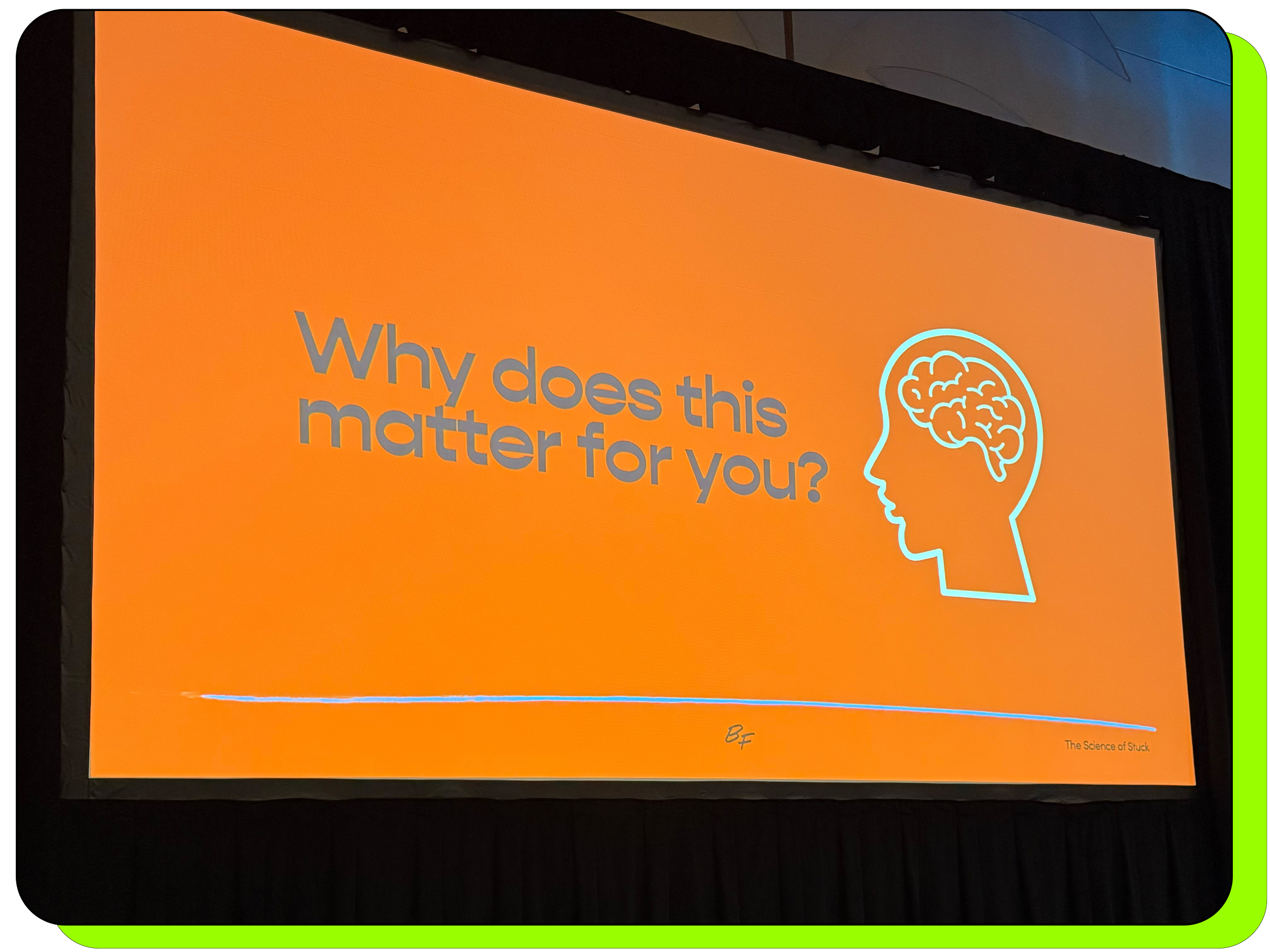
Every presenter wants their keynote to go well. They rehearse their message, polish their slides, and think carefully about how they’ll connect with the audience. Those things certainly matter. But after years of supporting conferences, corporate meetings, and keynote presentations, we’ve learned that the success of a presentation often depends on something most speakers never think about … the preparation that happens before they ever walk onto the stage. At T/22, we’ve worked alongside dozens and dozens of presenters, executives, and keynote speakers throughout Missouri. We’ve seen presentations that ran flawlessly, and we’ve rescued more than a few that nearly went off the rails. Nearly every problem we’ve encountered could have been avoided with a little more planning and a little timelier communication. If you’re preparing for an upcoming keynote or conference presentation, here are a few lessons we’ve learned from behind the scenes.
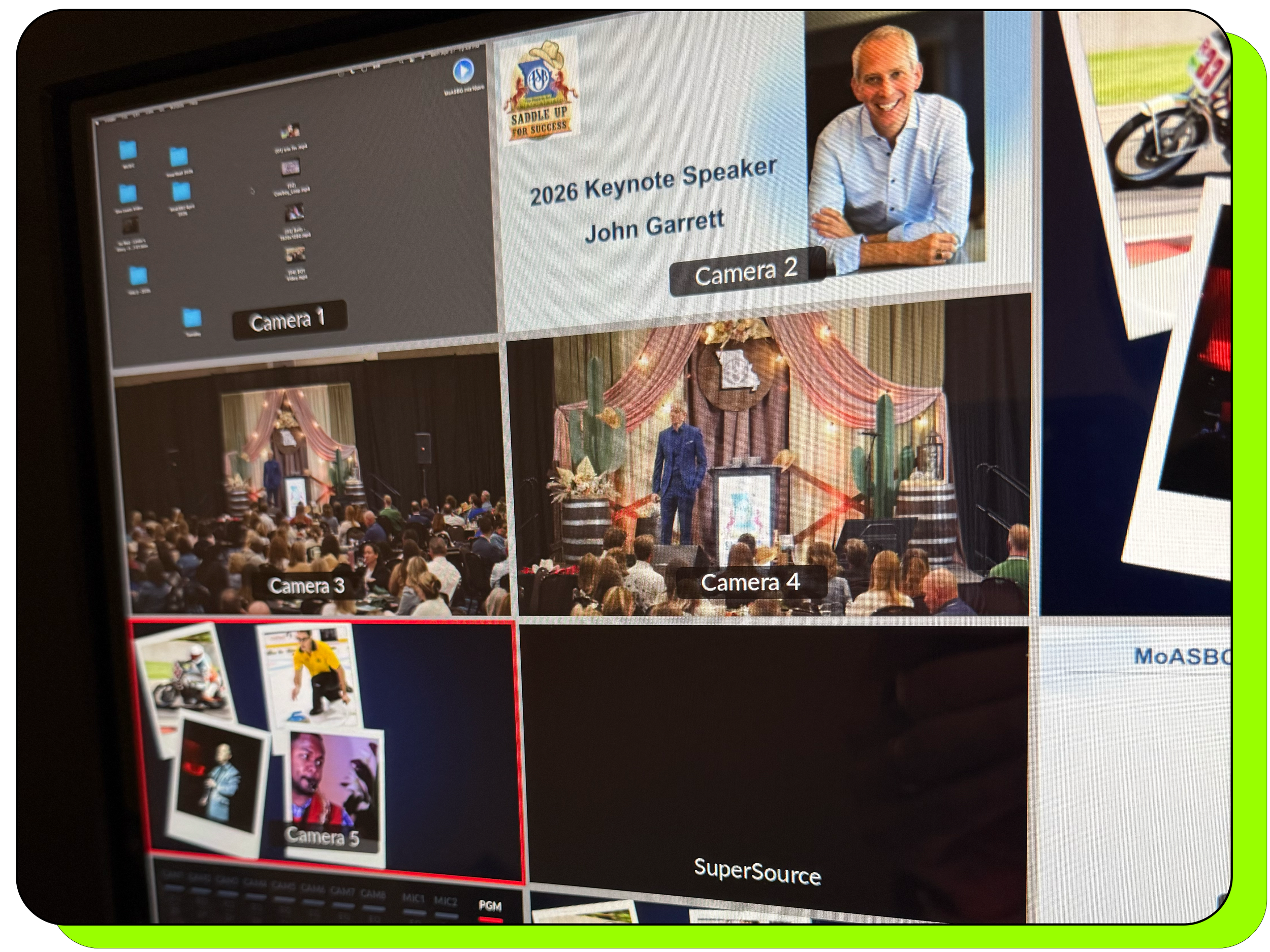
Your Presentation Begins Weeks Before You Walk on Stage
The audience sees your presentation begin the moment you walk onto the stage.
Your AV team knows it actually begins weeks earlier.
The best presenters we work with almost always introduce themselves to the production team before the event. They arrive early, ask questions, test the clicker, perform a quick sound check, confirm how videos will play, locate the confidence monitor, and spend a few minutes walking the stage before the room fills with attendees.
Those few minutes create confidence for everyone involved.
The Single Biggest Mistake We See
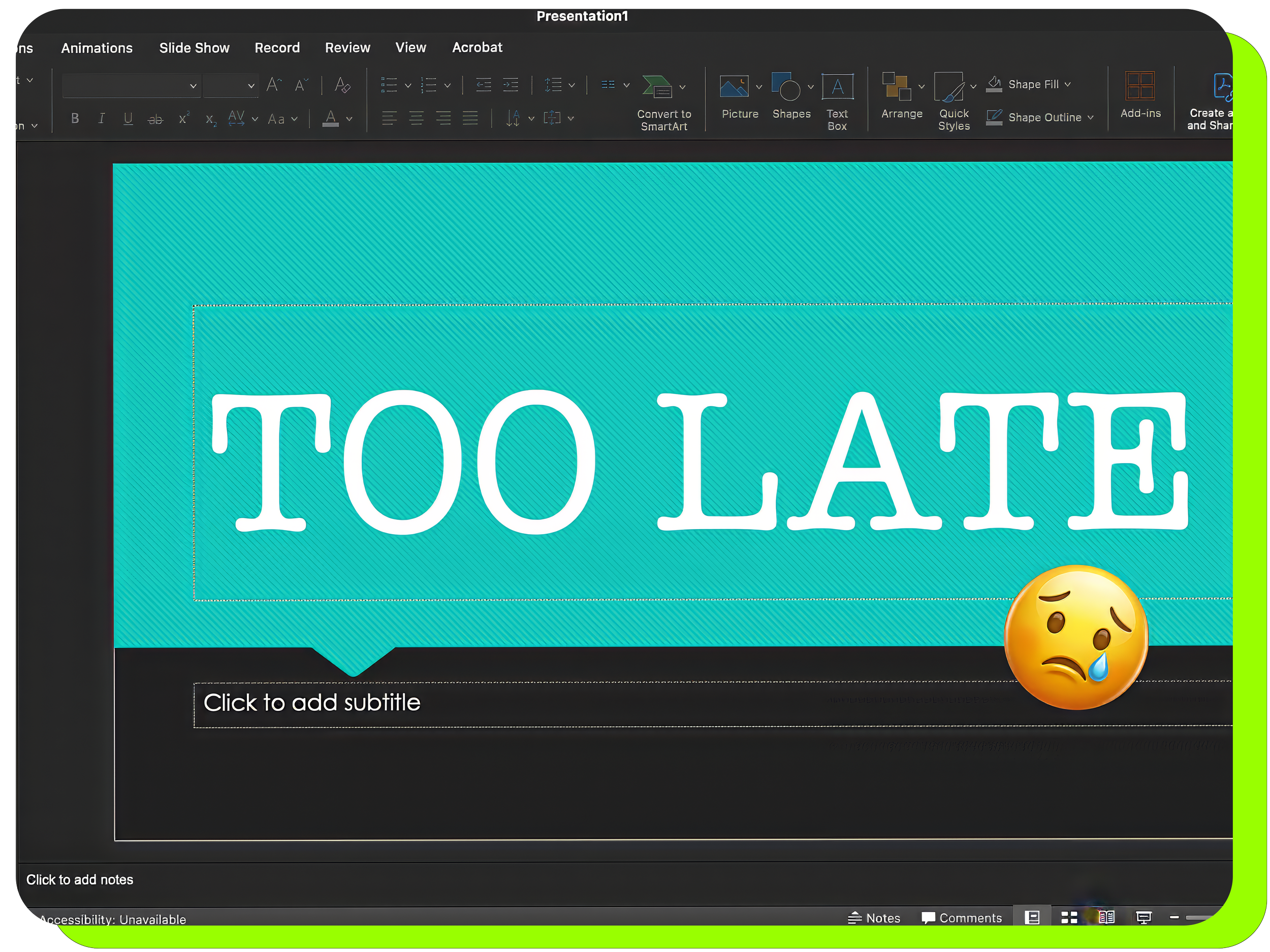
Without question, the biggest issue we encounter is receiving presentation files too late. It isn’t unusual for someone to walk up ten minutes before they’re scheduled to speak, hand us a USB drive, and say, “Here’s the updated version.” At that point, there isn’t enough time to verify fonts, test embedded videos (which we strongly encourage you NOT to do), confirm presenter notes, check animations, smooth out audio, or prepare backups. Whenever possible, send your presentation to your AV team at least two weeks before your event, even if it’s still a rough draft. Send us a list of audio for playback and links to online videos for playback. We’ll gladly accept updated versions as your presentation evolves, but receiving an early copy gives us time to identify possible issues before they become stressful surprises.

Why We Never Stream Videos During a Presentation
One of the first things I look for when someone hands me a PowerPoint is video playback.
If your presentation includes videos, please don’t rely on YouTube or an internet connection during a live keynote.
Internet connections can fluctuate. Videos buffer. Browser windows appear unexpectedly. Advertisements happen. None of those things belong in the middle of a professional presentation.
Whenever possible, provide your videos in advance.
If your video only exists on YouTube, we’ll happily create a local playback copy for you at no additional charge so your presentation doesn’t depend on the internet.
That’s one less thing you have to worry about on presentation day.
Good Audio Doesn’t Happen by Accident
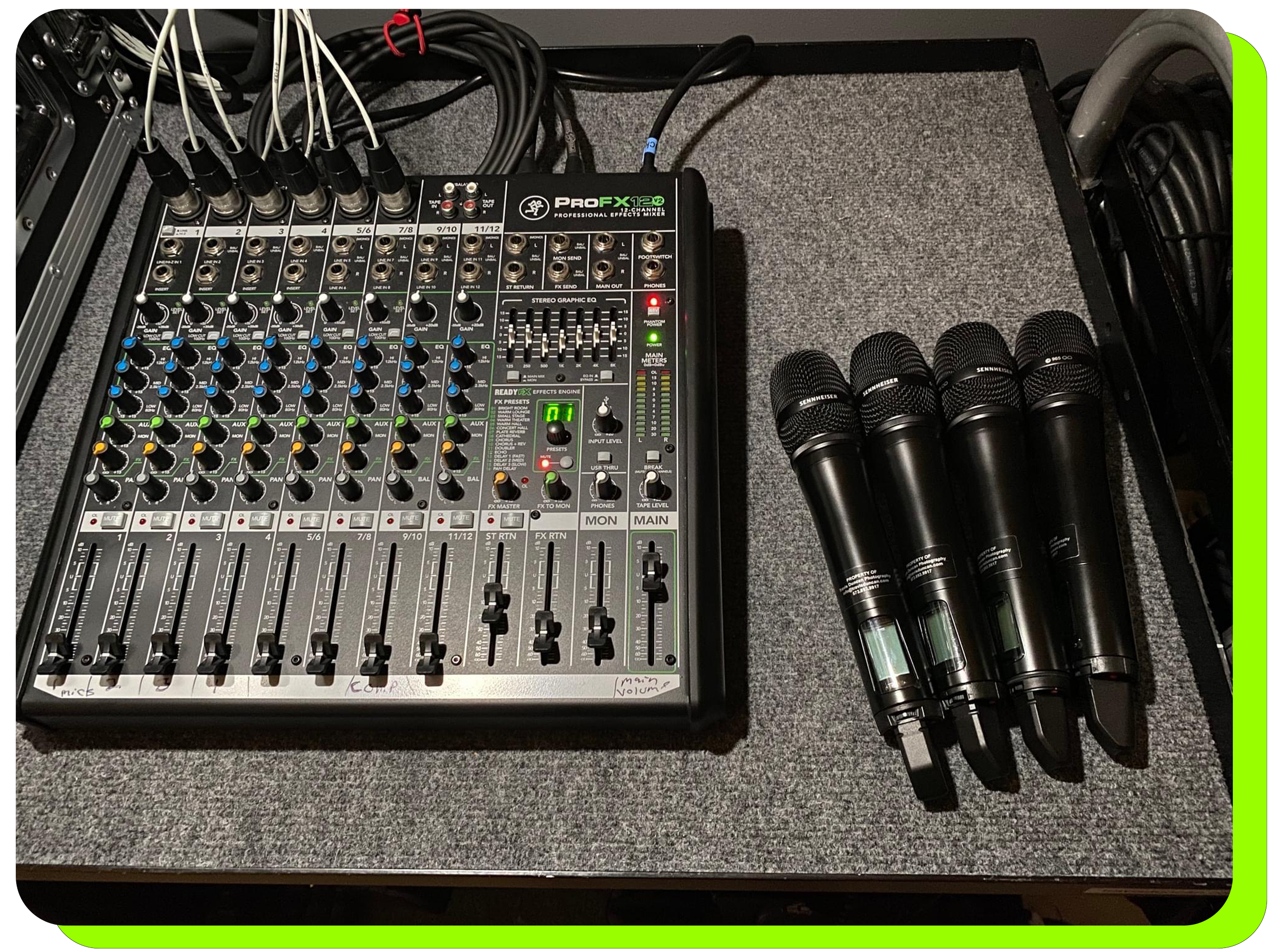
Most presenters focus on how their slides look.
We spend just as much time thinking about how they sound.
Professional sound systems are carefully tuned to each room for speech and audience comfort. When a video contains heavily compressed audio, excessive bass, harsh equalization, or wildly inconsistent volume levels, it can completely change the feel of a presentation.
Receiving videos ahead of time allows us to adjust levels, improve tonal balance where possible, and create a smoother listening experience that feels consistent from beginning to end.
The audience may never notice the work that went into it.
That’s exactly the point.
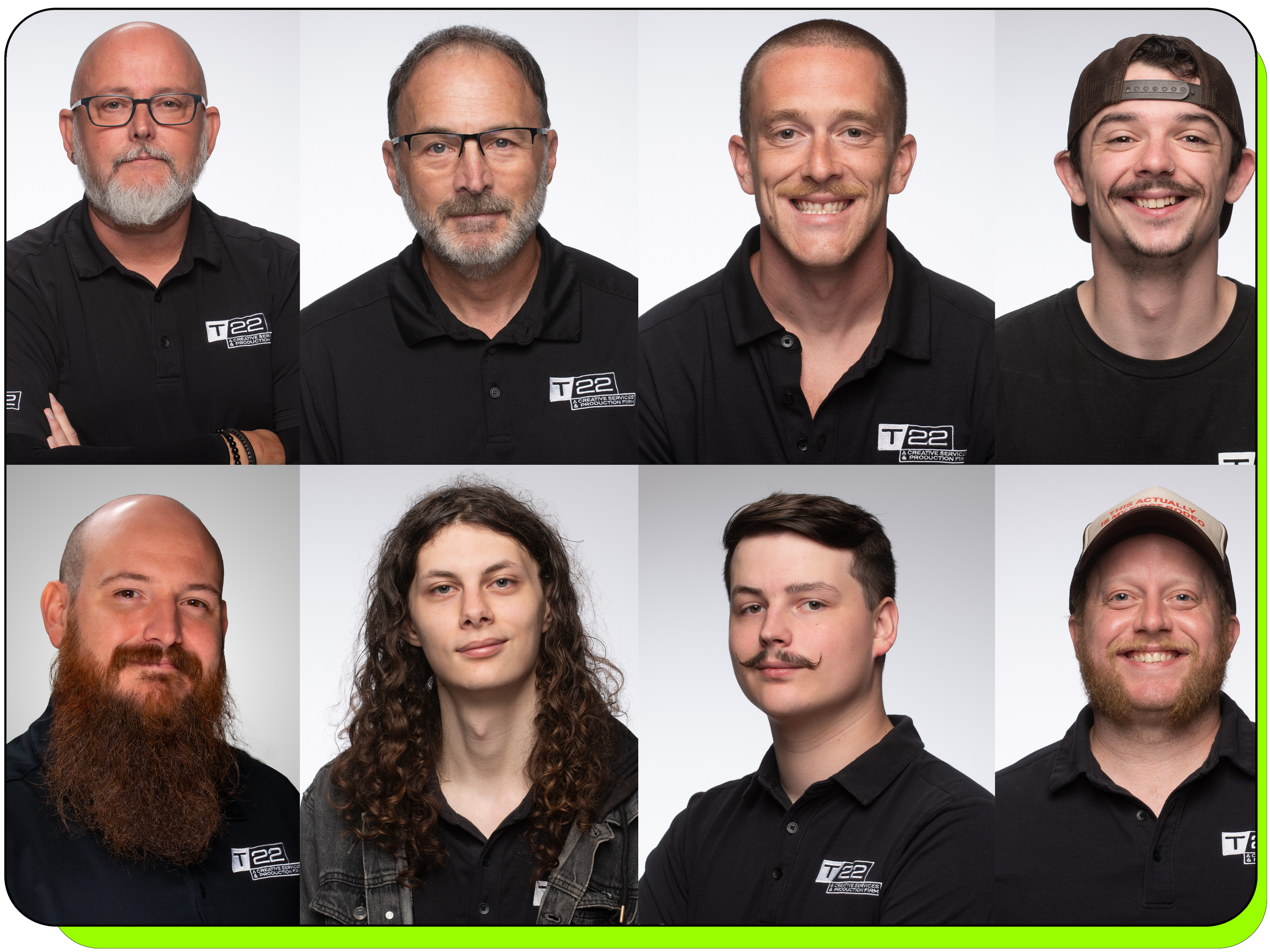
Great Speakers Meet the AV Team
The presenters who consistently deliver outstanding keynote presentations almost always have one thing in common.
They introduce themselves.
They ask questions.
They treat the AV crew as part of their team.
They want to know where the confidence monitor is located.
They test the clicker.
They listen to video playback.
They ask where they’ll enter the stage.
Those conversations are usually short, but they build trust on both sides.
By the time the presentation begins, everyone is working toward the same goal.
Confidence Monitors Aren’t Magic
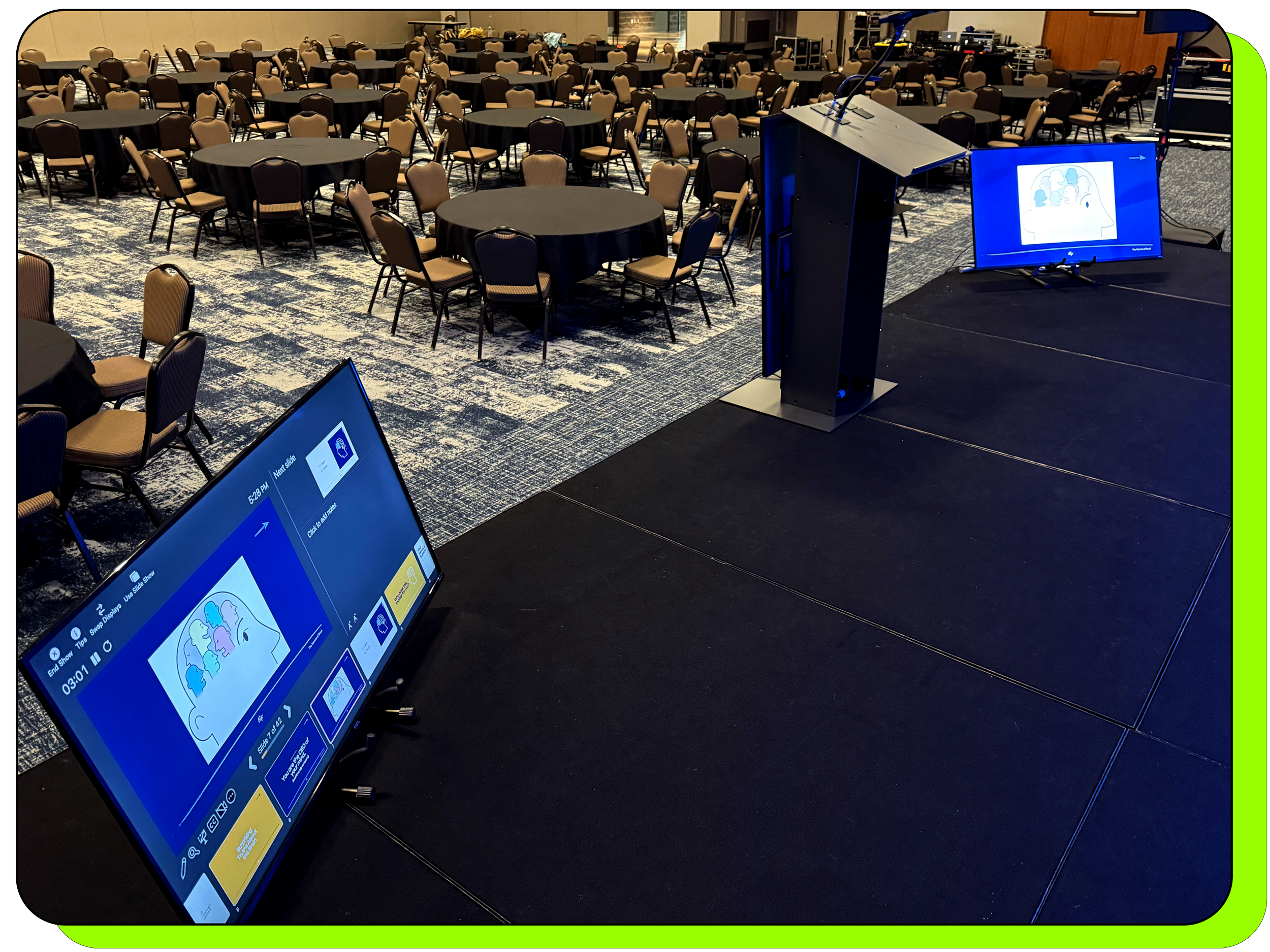
One of the biggest misconceptions we encounter is that every confidence monitor automatically displays presenter notes.
Most don’t.
Some display only your full-screen presentation.
Others require additional equipment and planning to display both presenter notes and the full-screen presentation.
If you rely on presenter notes while speaking, let your AV team know well before the event. It’s a simple request, but it’s one we need to plan for.

Slides That Make Me Nervous
After reviewing hundreds of presentations, there are a few things that immediately catch my attention.
Very small fonts.
White or bright yellow backgrounds that may wash out under projection.
Low-resolution logos stretched across a large screen.
Missing fonts that change the appearance of an entire presentation.
Fortunately, most of these problems are easy to solve if we have time.
If you’re using specialty fonts, send them with your presentation.
An even safer option is exporting each slide as a high-resolution JPEG and rebuilding the presentation with those images. Unless your slides contain video or animation, it’s one of the most reliable ways to preserve your design exactly as you intended.
Microphone Technique Matters More Than You Think

One of the biggest differences between experienced keynote speakers and occasional presenters isn’t confidence.
It’s microphone technique.
If you’re using a handheld microphone, keep it approximately two to four inches from your mouth while speaking.
Avoid holding it near the middle of your chest or letting it drift far away as you become more animated.
And whenever possible, avoid walking directly in front of the main speaker system.
A few simple habits dramatically improve intelligibility for everyone in the room.

Before You Walk Into the Audience…
Many presenters enjoy walking into the audience to create a more conversational atmosphere.
Sometimes that’s appropriate.
Sometimes it creates technical challenges.
Stage lighting is designed for the stage, not the audience seating area.
Camera exposure is balanced for stage lighting.
Wireless microphone coverage may also change depending on the room.
If audience interaction is part of your presentation, simply let your production team know ahead of time.
We can often position audience microphones, assign microphone runners, or adjust camera coverage so audience participation seems intentional instead of improvised.
What a Good Rehearsal Looks Like
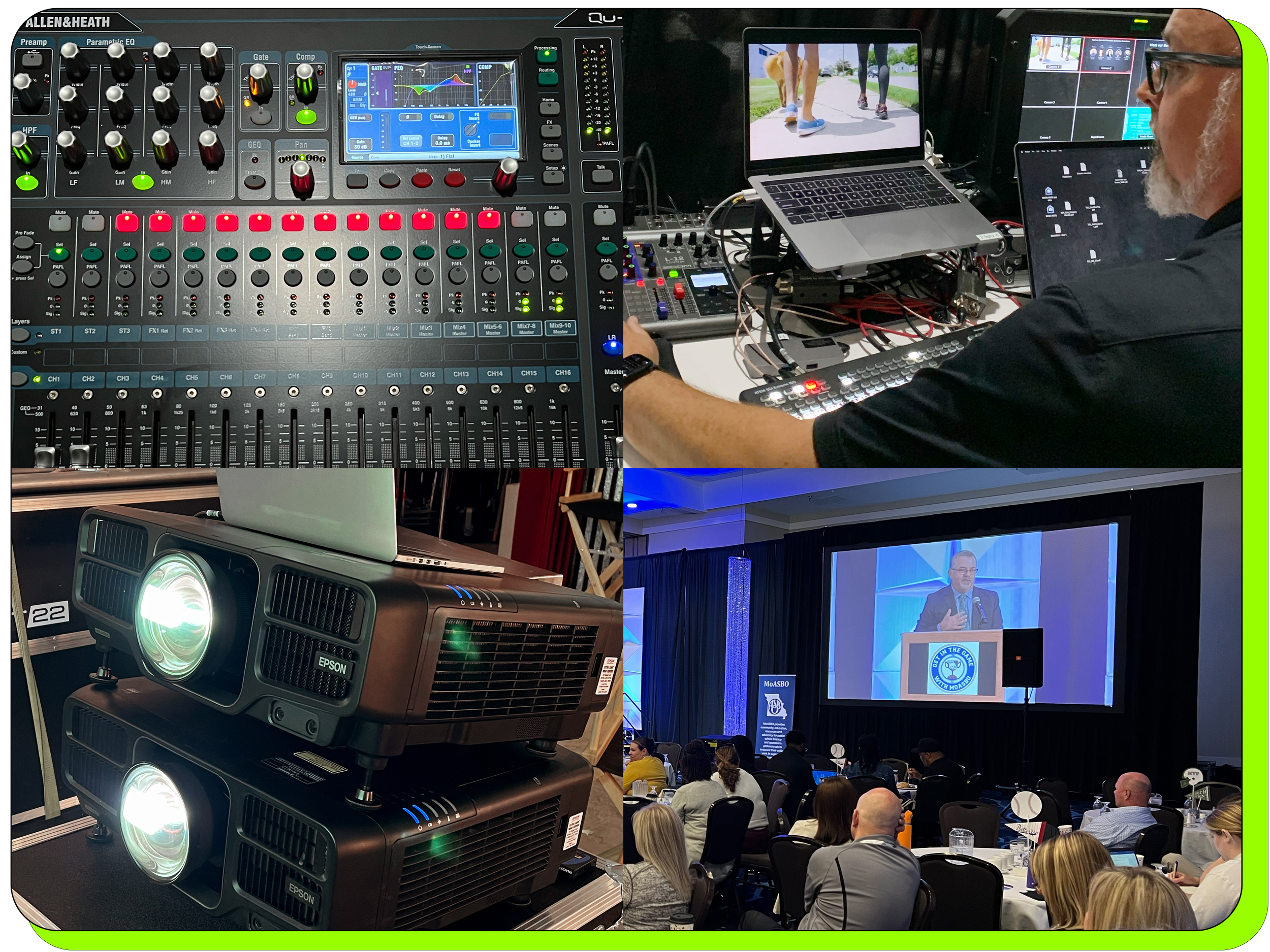
The best rehearsals aren’t long.
They’re thorough.
We like to walk through the presentation from beginning to end.
We verify slides.
Test every video.
Confirm walk-up music.
Review lighting cues.
Check microphones.
Practice entrances and exits.
Verify presentation timers.
Answer questions.
The goal isn’t to rehearse your speech.
The goal is to remove uncertainty.
We Want You to Succeed
People sometimes assume the AV team is simply there to operate equipment.
Nothing could be further from the truth.
When your keynote goes well, everyone wins.
Your audience stays engaged.
Your event planner looks great.
Your organization achieves its goals.
And yes, our production team takes pride in knowing we helped make it happen.
We’ve even had keynote speakers pause during their presentation to thank our crew in front of a thousand attendees. While recognition is always appreciated, the real reward is knowing the technology disappeared into the background and allowed the audience to focus entirely on the message.
That’s exactly how great production should work.
Before Your Next Presentation
If there’s one lesson we’ve learned after years of producing conferences, it’s this:
You can almost never send your presentation too early.
Early communication gives your AV team time to prepare, ask questions, solve problems, and ensure every slide, every video, every audio cue, and every transition works exactly as intended.
Your audience will never know how much preparation happened behind the scenes.
They’ll simply remember a presentation that appeared polished, professional, and effortless.
And that’s the experience every presenter deserves.
Because T/22 provides complete event production services, our audio visual technicians coordinate and quality check every part of your presentation. The result is a presentation that looks and sounds great both in the room and on camera. We regularly provide professional audio visual services throughout Missouri including: Jefferson City, Lake of the Ozarks, Columbia, Kansas City, St. Louis, and Branson.